This blog post links to all my #FreeSoftwareAdvent posts which are revolving around tools used in our VFX pipeline.
All my #FreeSoftwareAdvent posts in one place:
https://neilzone.co.uk/2025/12/freesoftwareadvent-2025/
Thanks to everyone who shared their own Free software recommendations.
Somewhat fewer thanks to those who grumbled in my replies about my choices. Don't forget to ask for a refund.
Free Software that I rely on. One per day.
Day 24:
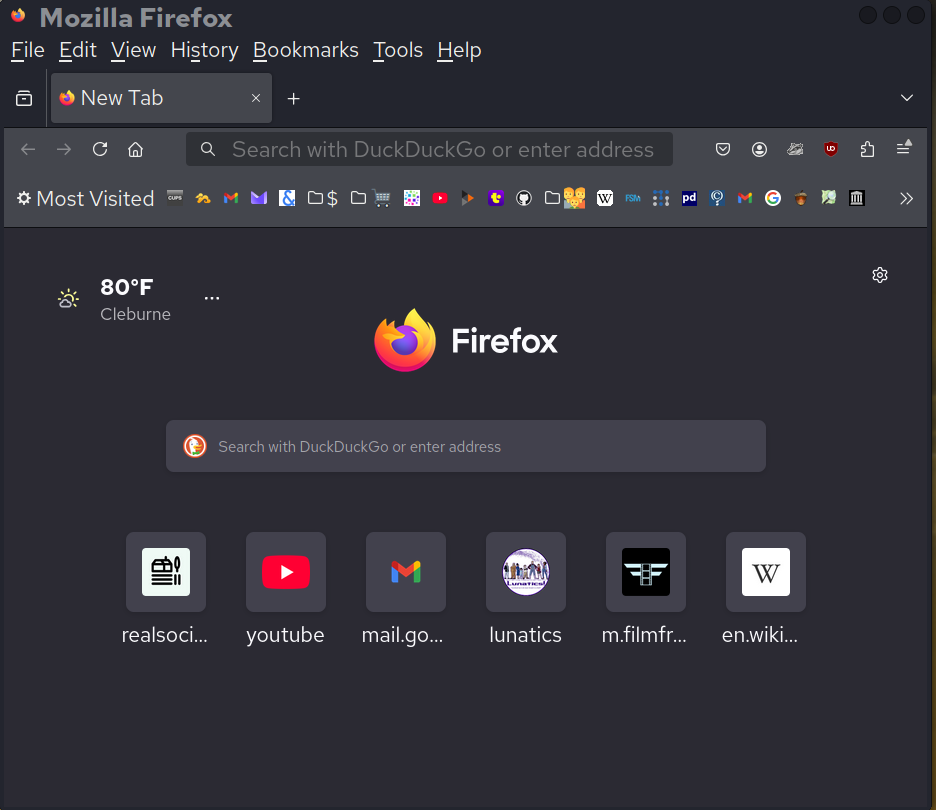
Firefox
I've been using Mozilla-based browsers since Netscape, and I still do.
And a LOT of my time is spent using the browser, whether socializing on the Fediverse or managing my server.
Despite the current kerfuffle over Mozilla incorporating opt-out AI features that no one wants, I think they are still the best option. Perhaps I'll have to tinker with my settings, or perhaps I'll use one of the several available forks -- but it'll still be Mozilla underneath.
Also, I think it is critical to retain an ecosystem of multiple browsers, rather than a single approved one. We saw the dangers of that with Internet Explorer, and we see it now with Chromium dependencies.
https://www.firefox.com
https://www.mozilla.org
https://firefox-source-docs.mozilla.org/
Free Software that I rely on. One per day.
Day 23:
Pelican (and Pelican Importer)
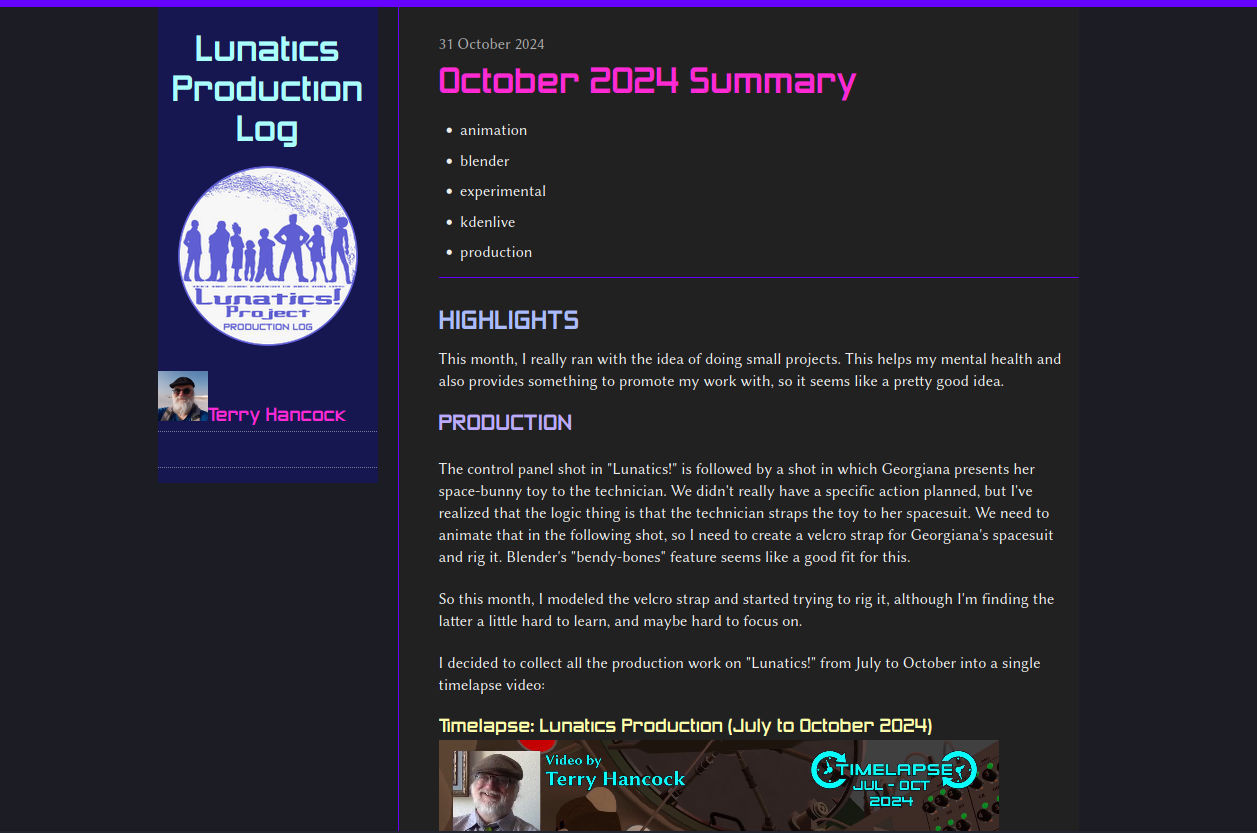
While I use Wordpress for my live Production Log, I also keep annual offline permanent archives on M-Disc media. For these, I need a static HTML site that I can read offline with a browser.
There are a number of static site generators, but I use Pelican. Partly because I'm partial to stuff written in Python, and partly because it has a really good import utility to get the content from Wordpress's XML export.
I also like that I can add articles in HTML, Markdown, or reStructuredText formats.
https://getpelican.com/
https://github.com/getpelican/pelican
Sounds worthy of the #FreeSoftwareAdvent tag
I was late to #freesoftwareadvent so decided just to follow and see what others suggested.
However after 21 days I've only seen one mention of a file manager.
So I'm going to mention 2.
When I'm working on a headless Linux server 99% of the time i install midnight commander
https://midnight-commander.org/
On Mac, Windows or Linux with a desktop I install Double Commander.
https://doublecmd.sourceforge.io/
Both are 2 pane file managers with built in viewers, editors and compressed file support.
Free Software that I rely on. One per day.
Day 22:
LibreOffice Calc
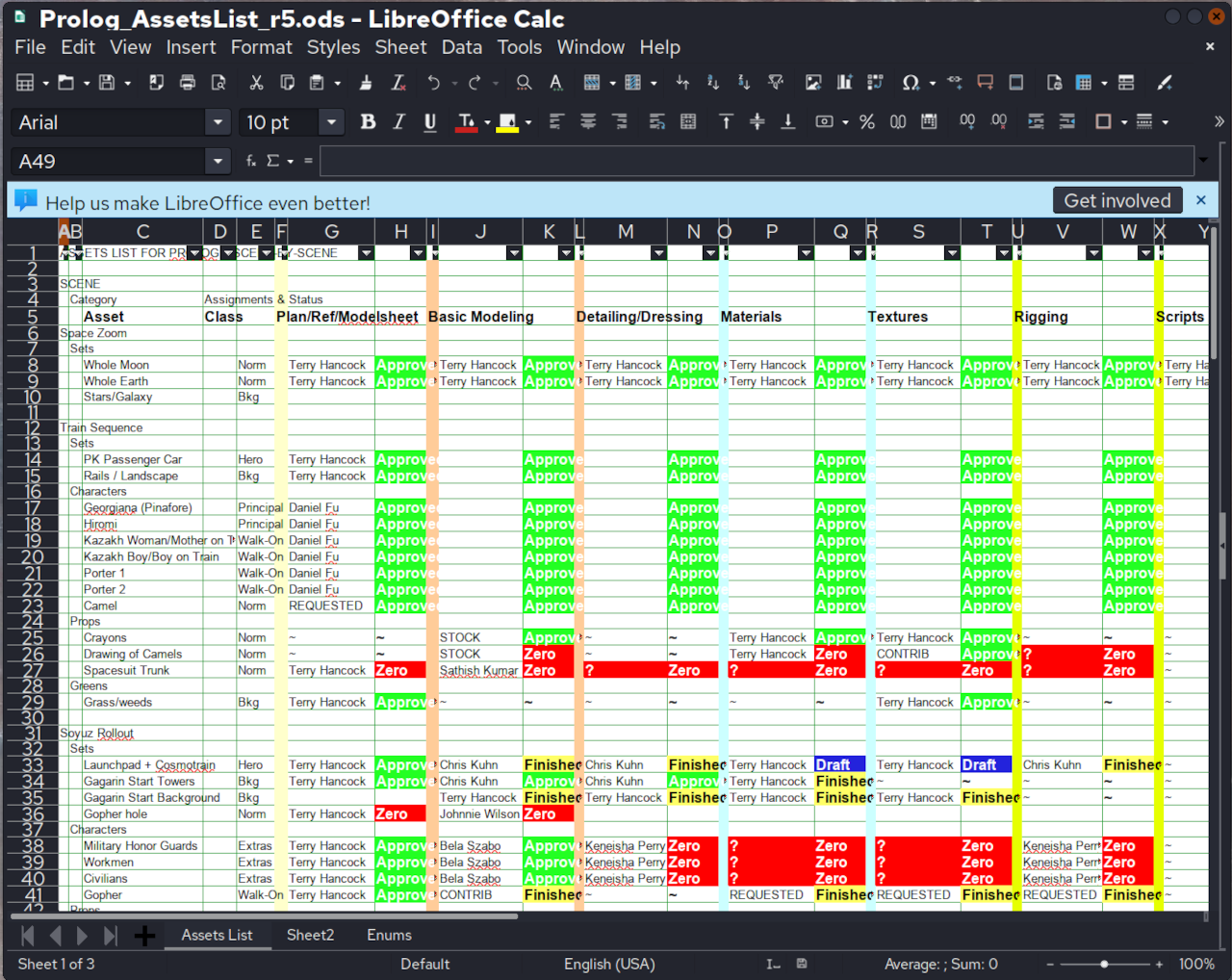
Behind the scenes, I have found a lot of uses for Calc spreadsheets (which I refer to as my "odious spreadsheets", because they're in "ODS" format).
In the screencap below from a doc, I was using it to establish the finishing state of various 3D assets.
I also use it every year for accounting for income taxes.
#FreeSoftwareAdvent #LibreOffice #Spreadsheet #Calc #FreeSoftware #OpenSource
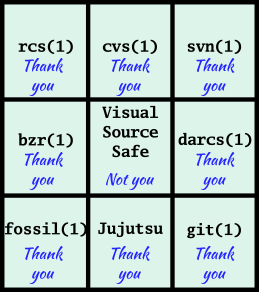
Today in #FreeSoftwareAdvent it's all the great version-control software I've used over the years or am learning. Many had their issues, and I'm only starting to learn Jujutsu now, but I love being able to jump backward in time, compare versions, bisect changes to track down issues, and see notes on why a change was made.
#FreeSoftwareAdvent day 21: Thunar
Thunar is the XFCE file manager. I don't use XFCE, although I have used it in the past on old machines. I don't use Thunar as a general file manager, but I do use the bulk rename functionality, which I find very useful.
I've tried other bulk rename programs, but I prefer Thunar. The interface is fairly straightforward, with a list of files to be renamed in the left column, and a preview of what they will be renamed to in the right column.
Below that is the renaming functionality. There are various options, including inserting/overwriting, numbering, search/replace (with optional regular expressions), etc.
Whenever I need to rename multiple files, I find Thunar to be a quick and easy way to do it.
Free Software that I rely on. One per day.
Day 21:
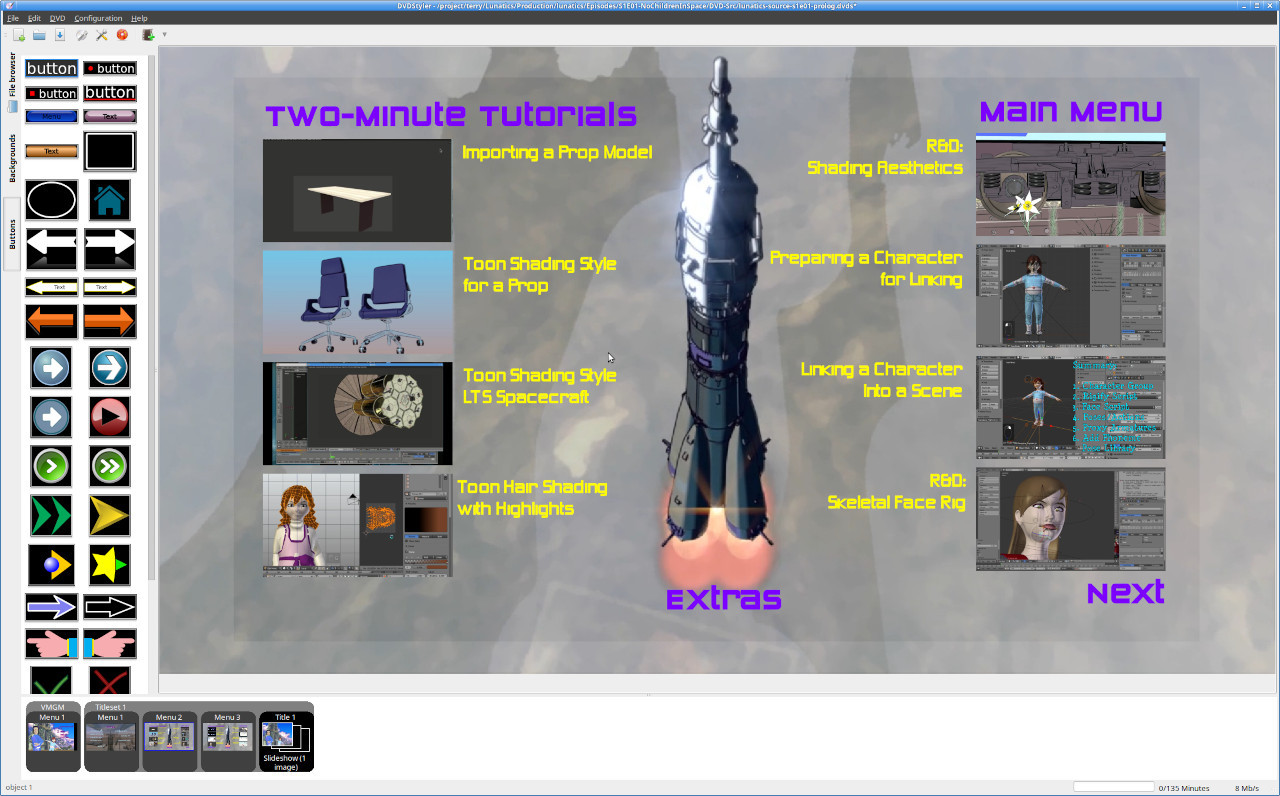
DVD Styler
When I want to master my own DVD, with menus and easter eggs and all the other goodies, DVDStyler is my tool of choice.
It provides a grapthical front-end for DVDAuthor, and supports most of the features you'd expect to be able to create on a DVD (I think there may be a few gaps, but I haven't found them limiting).
The program does have simple default templates which makes it easy to whip up a simple DVD for your home movies, but I usually want something more complex and original, so I start from scratch.
https://sourceforge.net/projects/dvdstyler/
Also see DVDAuthor, the backend:
DAY 20 - OTW ARCHIVE
https://github.com/otwcode/otwarchive
OTWArchive is the archiving software that runs the Archive of Our Own (AO3) Fan media site. Before AO3, people hosted fanworks on small webpages, and finding them was often difficult. There were commercial sites like fanfiction,net and Live journal, but they were notorious for purging without notice. The software was consciously written by fans for fans. A number of the programmers were women as well.
1 of 2
DAY 19 - MEDIA WIKI
https://www.mediawiki.org/wiki/MediaWiki
It's hard to imagine the internet without Wikipedia. I use it and Wikimedia commons several times a month, but the wiki software is more than just Wikipedia. Pretty much every fandom knowledge site I've been on uses media wiki software or something based on it. It allows the creation of crowd-sourced comprehensive knowledge bases in a way that plain websites can't. Lately I've been working on fanlore https://fanlore.org/wiki/Main_Page wiki.
#FreeSoftwareAdvent Day 19: NextCloud
I have three computers I use as "general" machines (two desktops and a laptop) and this tool keeps them all in sync. Despite some occasional wrinkles it does a great job, letting me treat my machines essentially as one -- as long as I remember to always save everything!
December 19 #FreeSoftwareAdvent
#DokuWiki: Simple, effective wiki software
It's hard to beat the wiki format for good old fashioned knowledge management. Dokuwiki is a file-based wiki which doesn't need a database and runs on pretty much any PHP-based hosting. It's very easy to set up and use. While it's simple to jump in, DokuWiki also has loads of advanced features like access control and revision history. It supports 50+ languages, alternative visual themes, and has a rich plugin ecosystem.
Thanks @dokuwiki !
DAY 18 - PIXELFED
https://pixelfed.org/
Pixelfed is an open source Fediverse image hosting software that can federate with other sites like Mastodon.
I have made one pixelfed instance and I am happy that it allows you to group images on pages within your account. This is my character guide for #theUntamed https://px.filmfreedom.net/alessnox
I still haven't gone crazy with posting here, but looking forward to doing more next year. #pixelfed #fediverse