naps are handy for game design
5
naps are handy for game design
look at this perfect (work-in-progress) shoe 😁 #screenshotsaturday
long time listeners will recognize this as a continuation of this project https://mastodon.gamedev.place/@aeva/113303633154607005 but without reinventing 3d modeling from scratch this time
@aeva this looks lovely actually, what are you gonna use it for eventually?
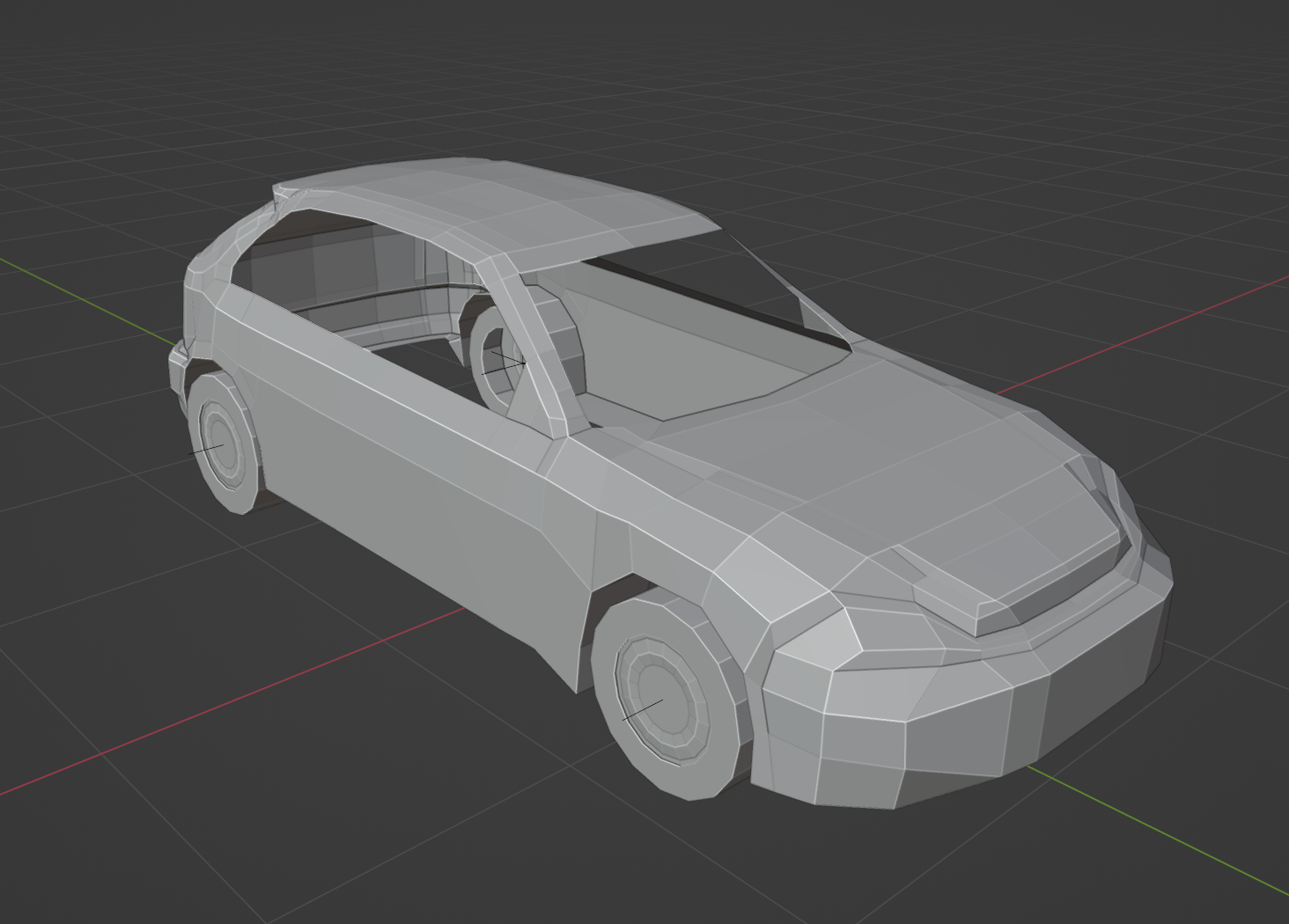
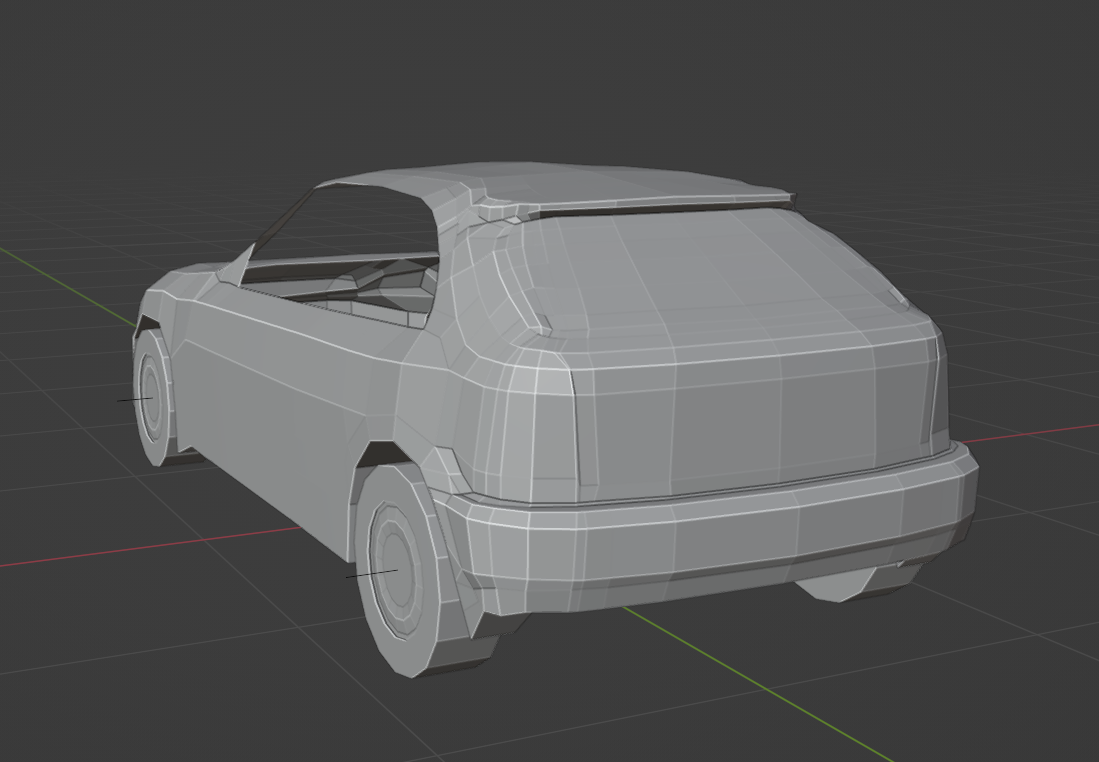
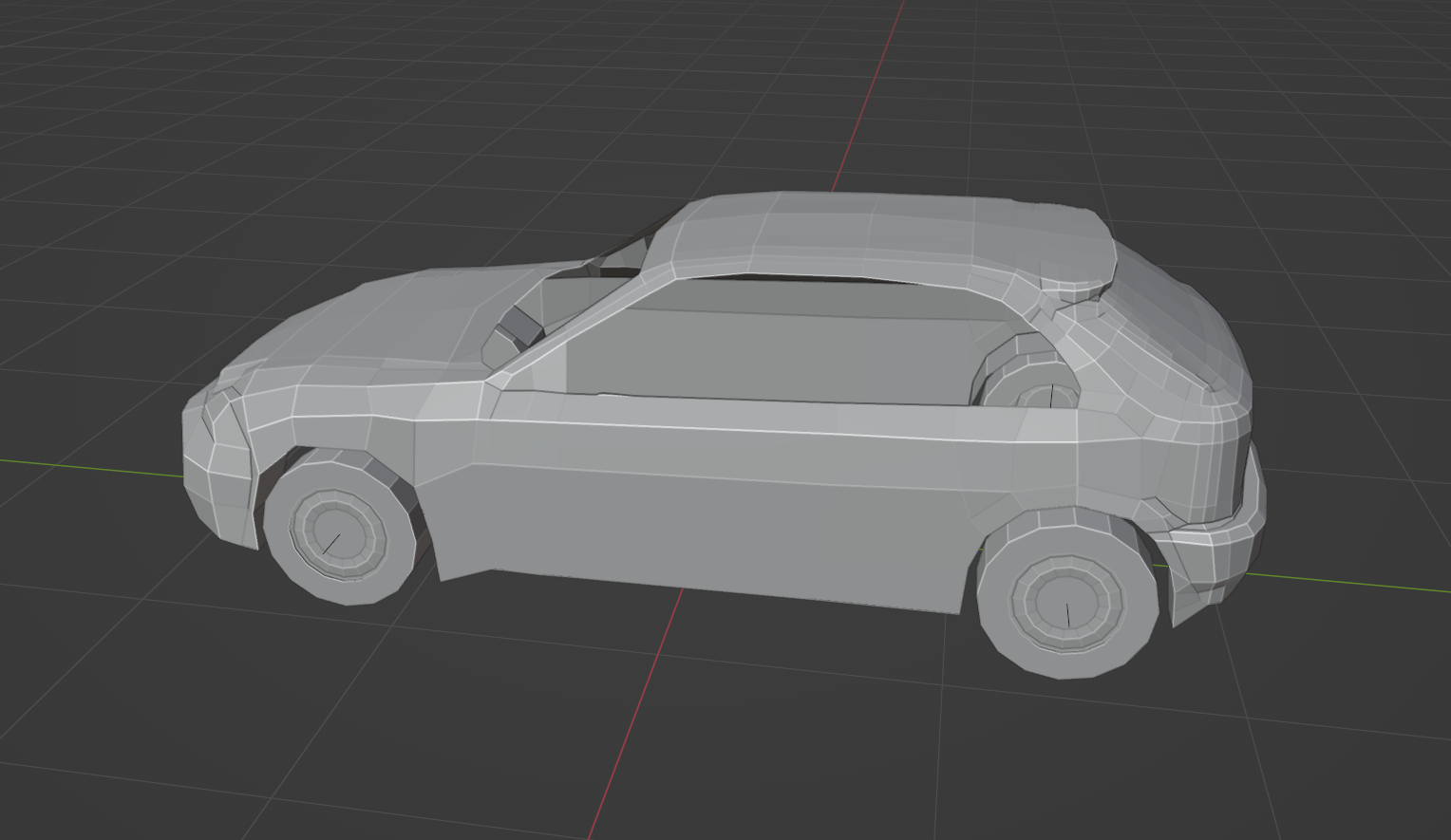
@chengdulittlea the concept has drifted a bit, but the idea is to make a game about driving the magic 97 honda civic cx i had back in the day, with a moderately realistic simulation of the manual transmission, and real speed and distance (a rarity for racing games for a variety of exciting reasons). current vision for it is a time trial game in a variety of interesting environments, and an escalation of absurd power ups
@chengdulittlea and here's an old prototype showing off what I mean by "real speed and real distance" https://mastodon.gamedev.place/@aeva/113021784811735408
i'm not planning on continuing with the splat renderer, but I am intending on retaining the coordinate system that allowed this to work
@aeva not gonna lie I was really into the reinventing modeling with spline distance fields thing
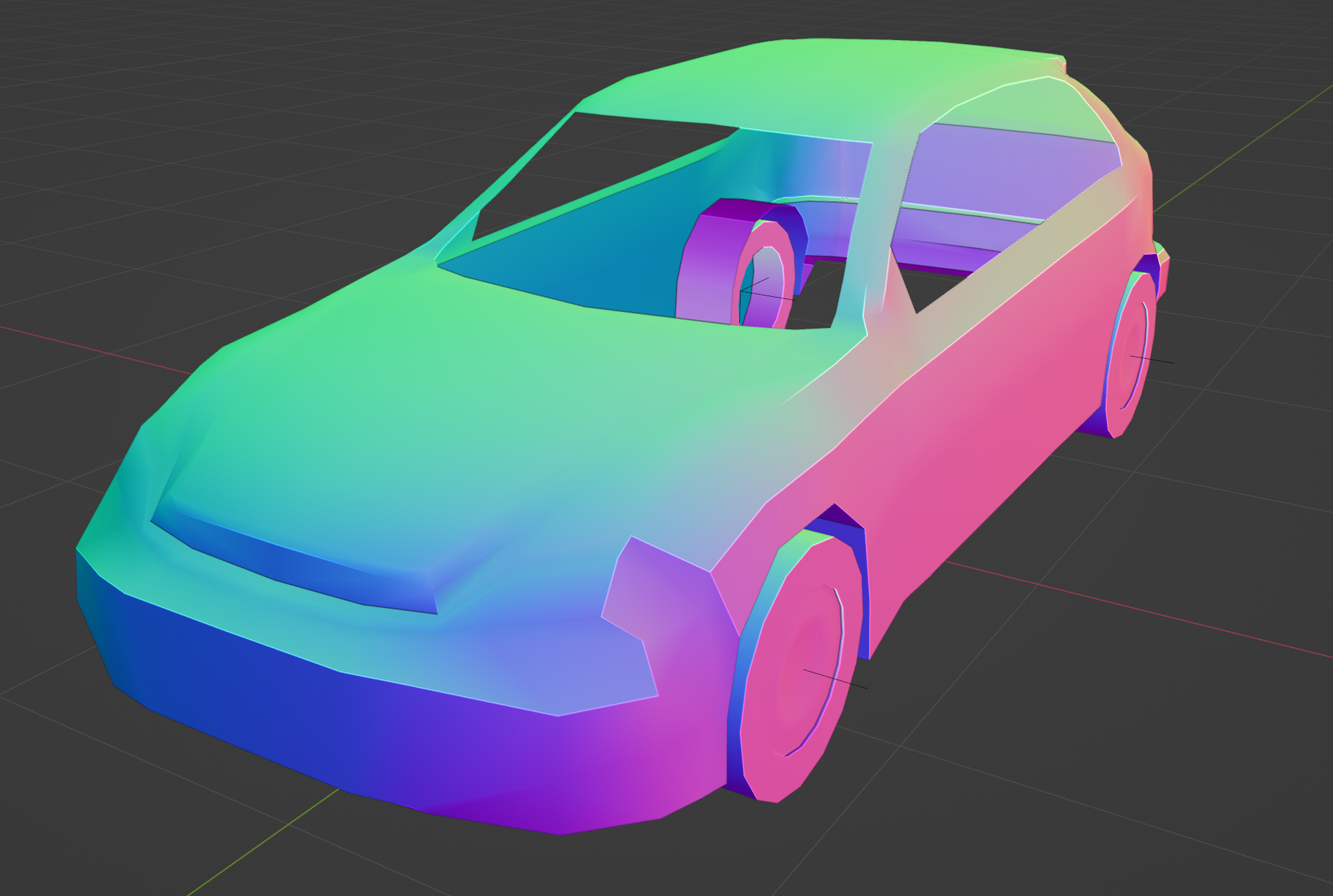
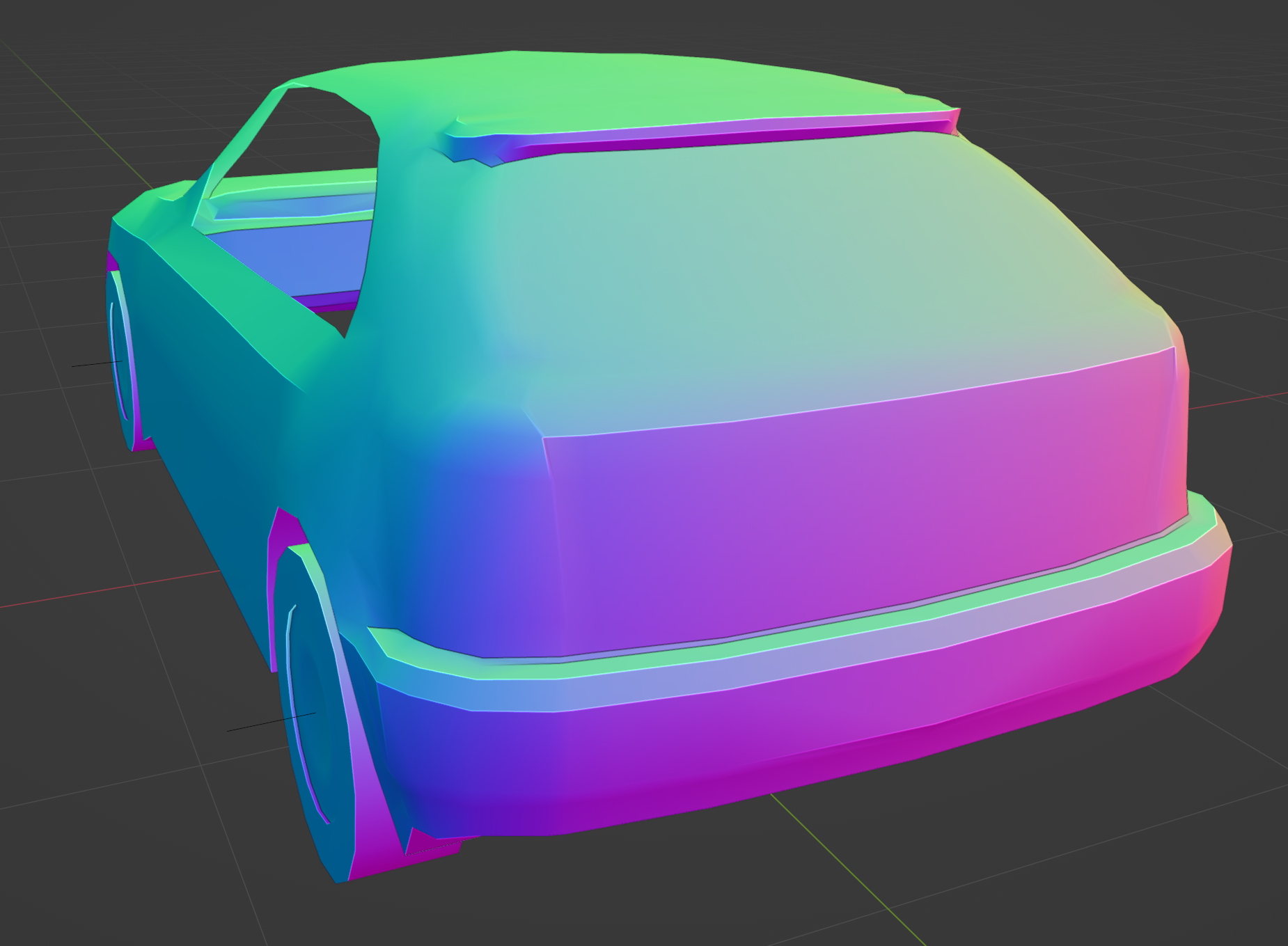
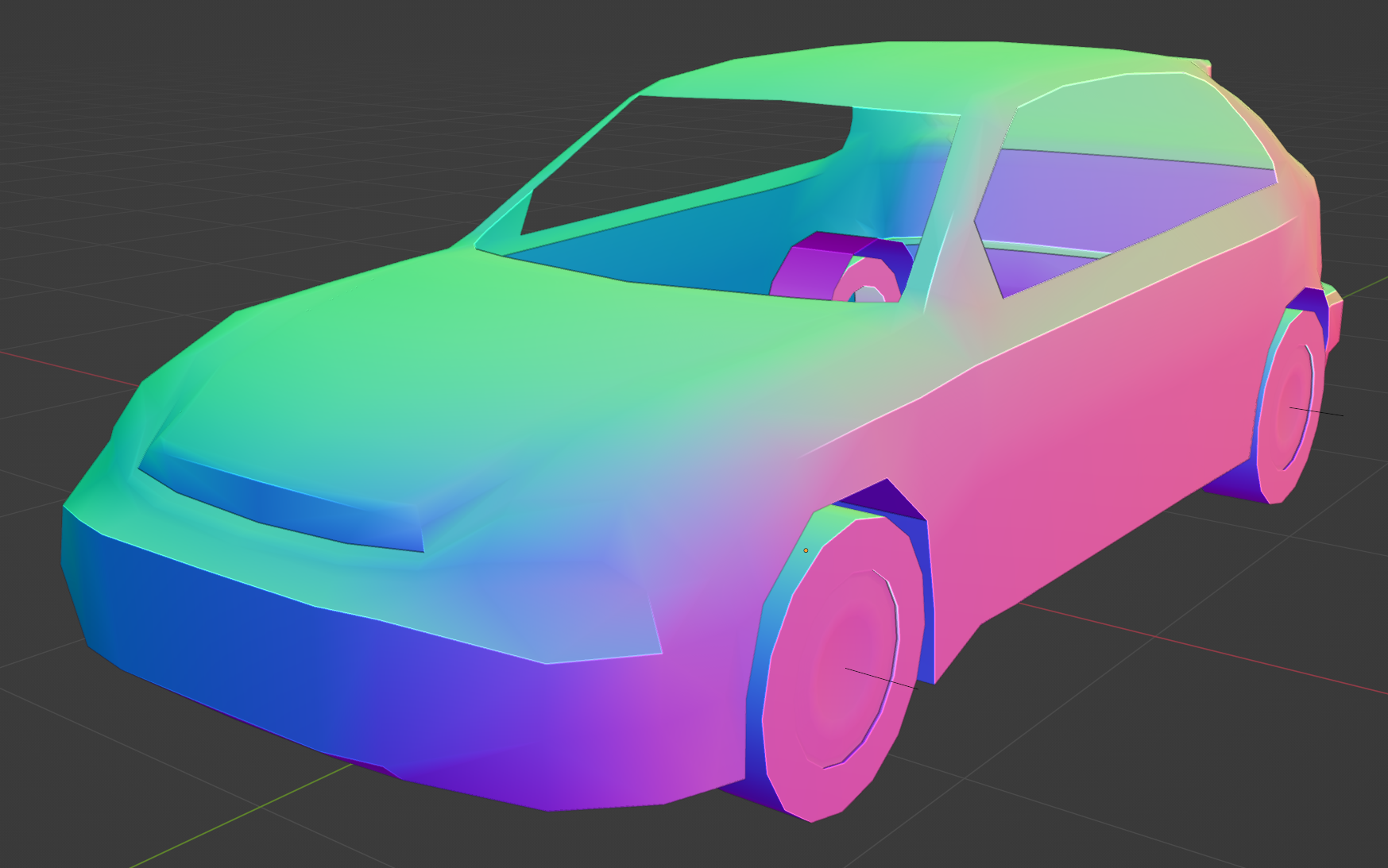
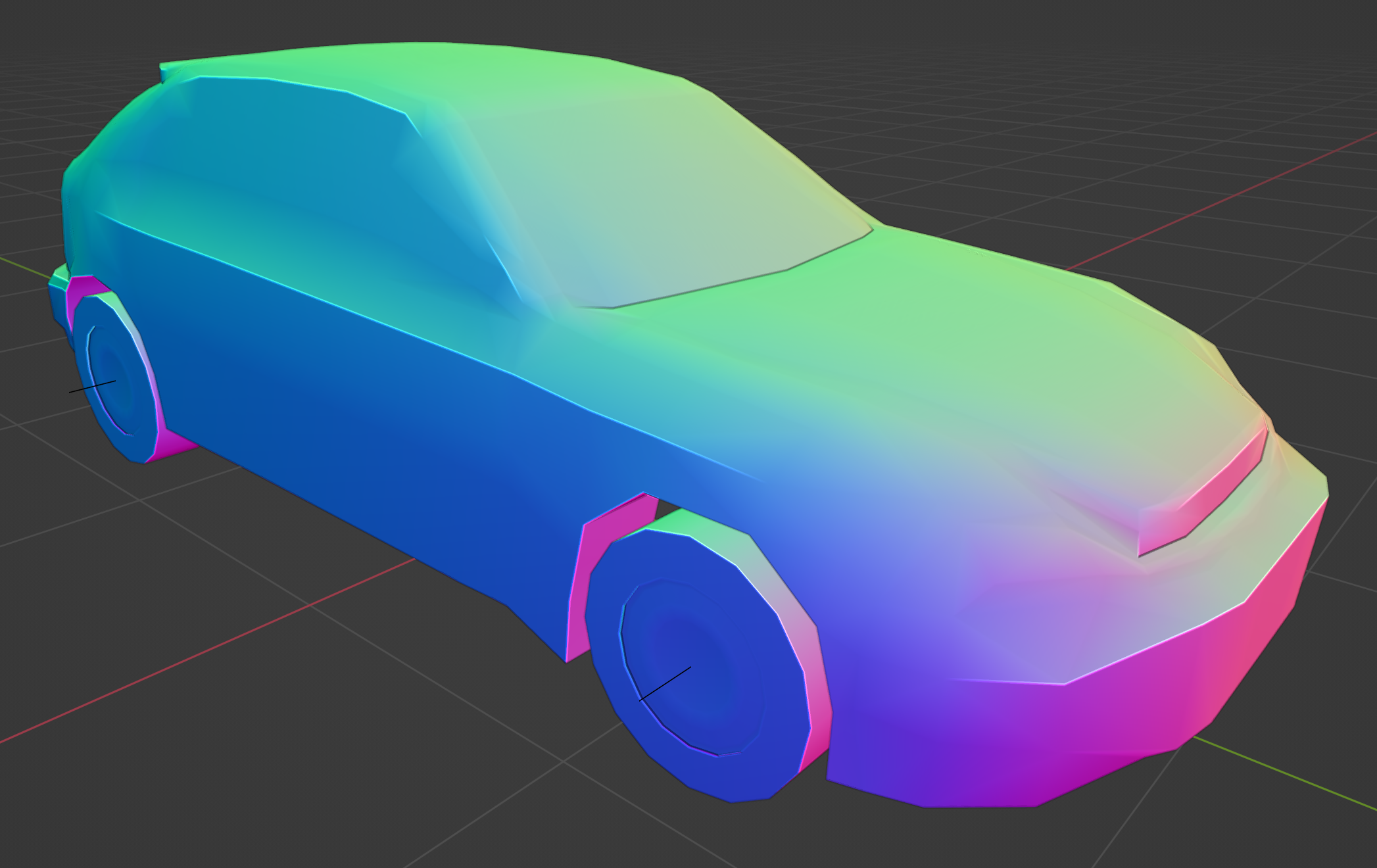
i just found out that  at some point got "auto" as a normal interpolation option in addition to the classic "flat" and "smooth" options.
i also just found out that enabling the cavity shader, auto smoothing, and the normal map matcap is a great way to spot problems in the mesh
@aeva some folks from Volkswagen presented a Blender extension to validate car geometry here.
https://www.youtube.com/watch?v=_80MwJXli2k
Might be interesting for this
@jon_valdes what does it do?
@aeva it seems to show a reflective environment around the car that makes it easier to see which lines "look nice". Seems similar to what Freya did in her splines video: https://youtu.be/jvPPXbo87ds?t=1695
@aeva FTR "auto" is "smooth and edge split modifier", so it's not really a new thing just a new UX for setting it up.
@ataylor it's new to me
@aeva @ataylor Fun fact: for a very long time there was actually two different ways of doing the same thing (edge split modifier, and auto smooth property in mesh panel), but both were kind of confusing and hard to discover, so the functionality was moved to a geometry node pinned to the bottom and an "auto" operator next to smooth and flat. In fact I think the modifier pinning feature was developed specifically to allow auto smooth to be seamless (figuratively and literally: if the user added a subsurf modifier after the auto smooth one, they would see seams).
These changes were released with Blender 4.1 almost 2 years ago, and it was very controversial at first. This new auto smooth had some rough edges.
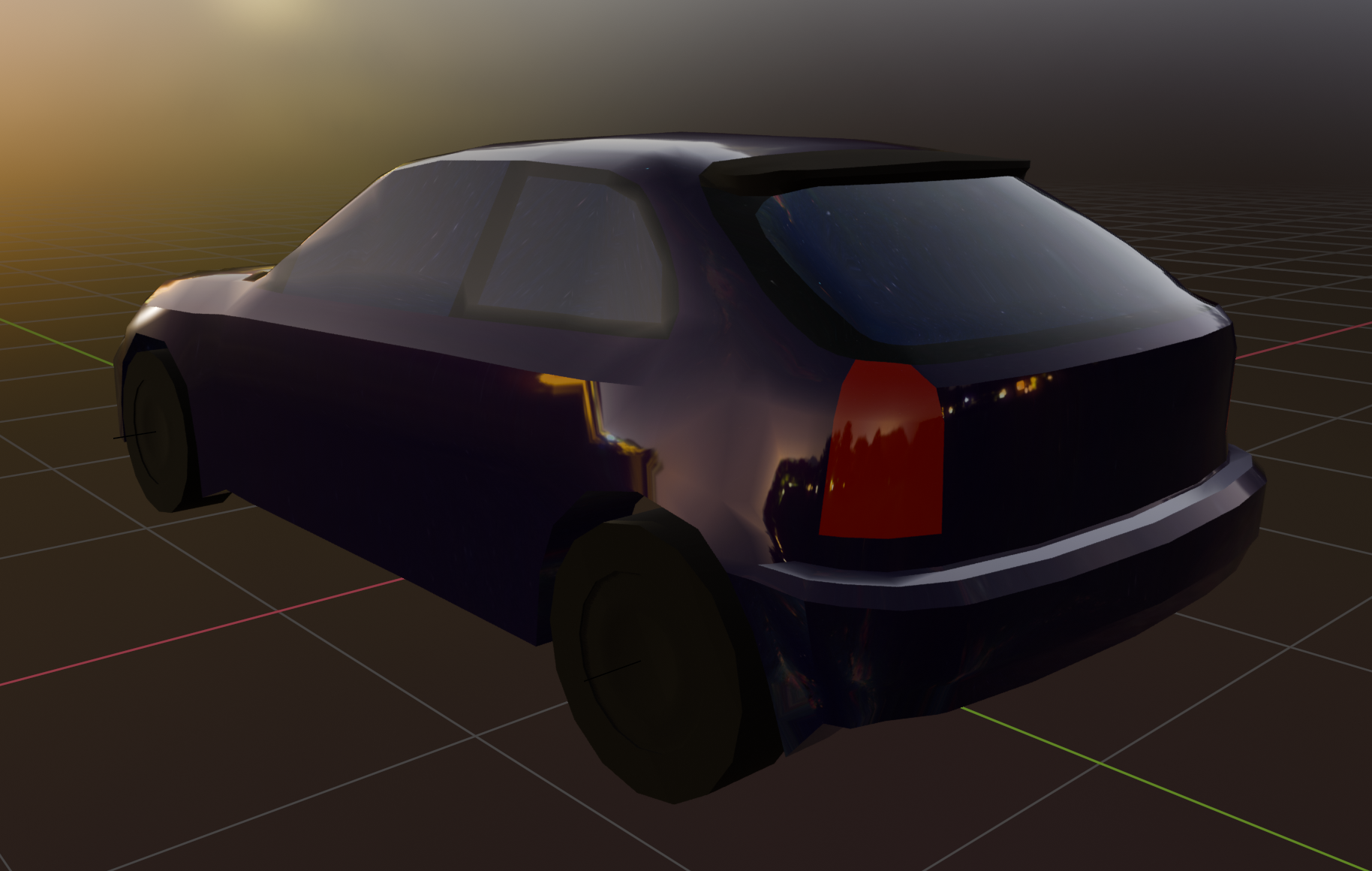
i got the hatchback window looking pretty nice though imo
whew ok that's a bit better
bad news everyone i installed windows
omg so I was going to make the windows separate meshes for material assignment reasons, but what if I also made it so you could roll down the windows (but only the driver's side while driving because you have to operate it with a little crank on this care there's no motor to do it for you)
not actually going to happen because the controller is going to be busy enough with the normal functions of the car, but it is fun to think about
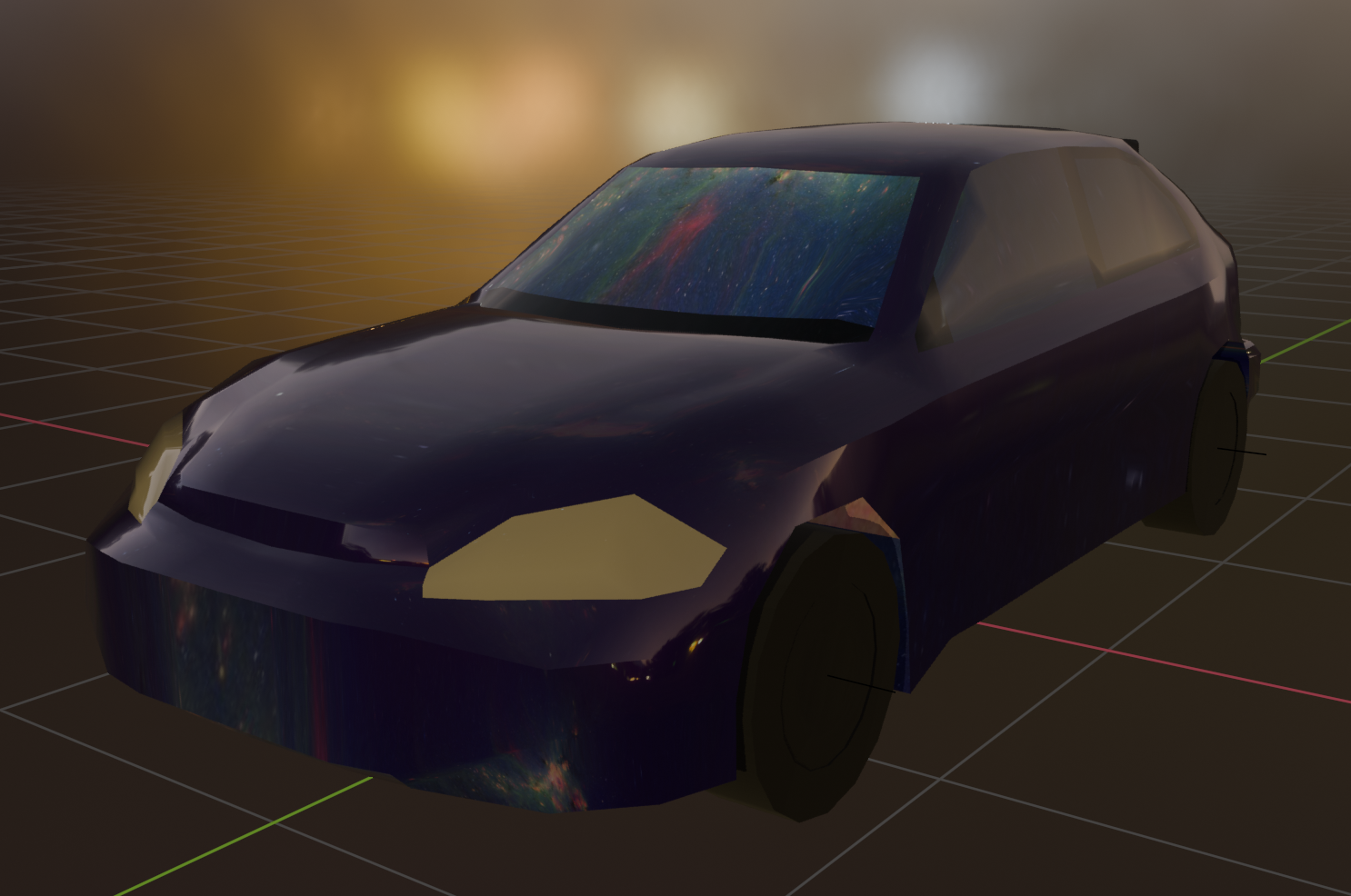
Some more progress on the car today. I'm not going to keep with the PBR materials look in the game itself, though I think it's kind of funny how slapping on some PBR materials turns it makes the rough mesh look like a stuck LOD instead of something intentional.
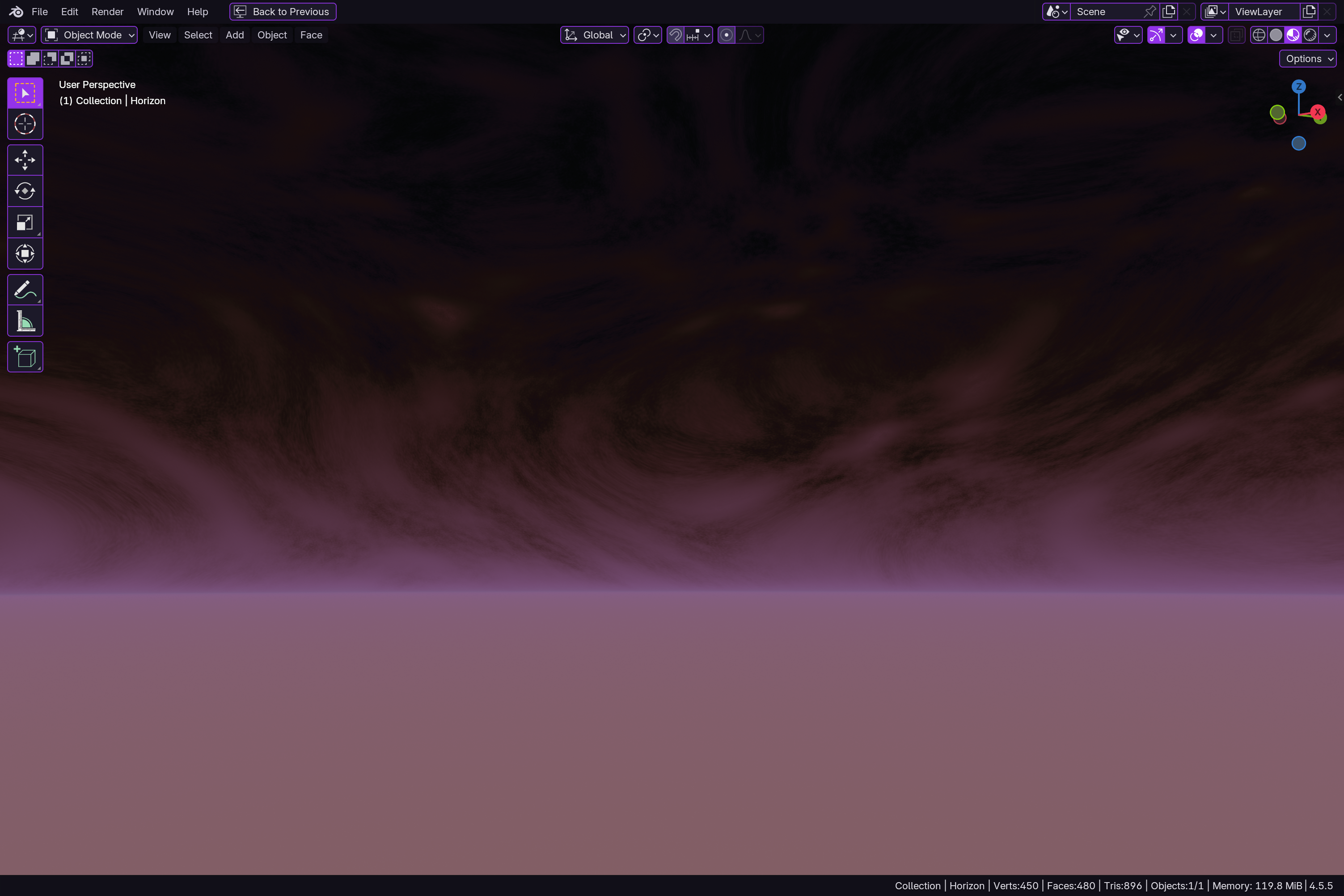
also I made a sky generator
@aeva it's carmage on the streets I tells ya!
@aeva That car looks like it's got very tight handling.